When embedded takeoff API makes sense?
When an embedded takeoff API is worth it, where it isn't, and how Kamai's API fits estimating and construction-tech workflows.

Most estimating shops do not need an API. If your team runs a handful of bids a week inside one takeoff tool, the app is the right place to work. An embedded takeoff API earns its keep in a narrower set of situations: when takeoff is one step inside a larger pipeline you already own, when volume has outgrown manual measuring, or when you are the one selling the software and takeoff is a feature your users expect to live inside your product.
This post walks through where embedding the takeoff actually pays off, and where it is overkill.
What an embedded takeoff API actually does
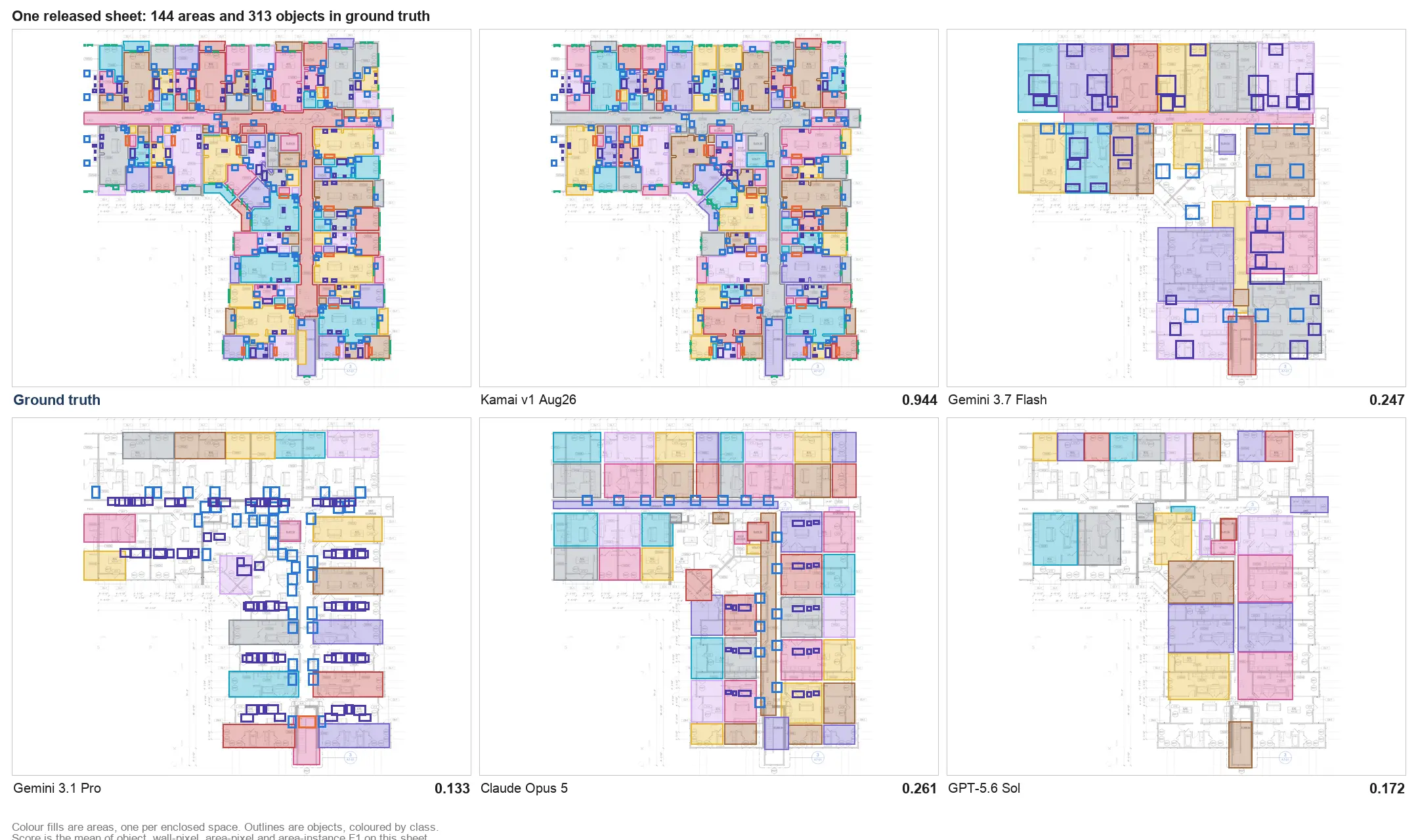
An API lets you send a set of drawings to Kamai and get back structured quantities your own system can read. You post a PDF set, Kamai's models read the sheets, and you receive counts, lengths, and areas as JSON keyed to trade and assembly. No one logs into a separate viewer, traces walls, or copies numbers between windows.
The same output is available as Excel and PDF when a human needs to review or hand it off, but the point of the API is that the data never has to leave the workflow you built. Quantities land back in your estimating database, your bid sheet, or your project setup the moment Kamai finishes the takeoff.
You are switching between three tools to do one job
A common setup: estimators open one program to view the drawings, a second to measure, and a third to price the work. Every handoff is a place to lose a sheet, miss an addendum, or retype a count wrong.
When takeoff lives inside the system your team already works in, that shuffle disappears. Upload the set, get the quantities, and keep moving in the same window. If your estimators currently spend more time managing files than measuring them, that is the signal that an embedded takeoff belongs in your stack.
Manual takeoff is capping how many bids you can chase
There is a hard ceiling on how many sets one estimator can measure by hand in a day. Tracing every wall, counting every fixture, and reconciling shared walls between two units takes hours per project, and those hours decide how many bids you turn around before the deadline.
Kamai reads the set and returns quantities in minutes instead. For a shop that is leaving bids on the table because nobody had time to do the takeoff, the API raises bid capacity without adding estimators. That is the case where automation changes the math on win rate, because you are simply entering more races.
You are building construction software, not just using it
If you ship a product that contractors estimate inside, takeoff is probably a gap your users fill with another tool. Pulling it into your platform through the API means they upload drawings and get quantities without leaving your app.
You do not have to build computer vision for drawings yourself. Kamai's models handle the extraction across architectural, structural, and MEP sheets, and your product surfaces the results. The app's AI assistant can ride along with the same data, so users can ask about a takeoff in plain language rather than hunting through a quantity table. You own the experience; Kamai owns the reading.
Your quantities and your estimate keep disagreeing
When measuring happens in one system and pricing in another, the numbers drift. Someone exports a count, someone else keys it into the estimate, and a transposed digit or a stale revision turns into a bad bid. The error usually surfaces after the job is awarded, which is the worst time to find it.
An API keeps the takeoff and the estimate reading from the same source. Kamai returns structured data tied to each item, so the quantity in your estimate is the quantity Kamai measured, not a hand-copied approximation of it. Fewer hops between systems means fewer places for a wrong scale or a missed addendum to slip through.
Volume is outgrowing the people doing the work
Manual workflows scale by hiring. At some point that stops being viable, and the takeoff queue becomes the bottleneck that decides how fast the business can grow.
Because the API processes sets programmatically, you can run many projects through it at once instead of serializing them across a few estimators. A growing shop can take on more work without the headcount that manual takeoff would require, and the estimators you do have spend their time on judgment calls rather than tracing.
What to weigh before you commit
Embedding takeoff is real engineering work, not a checkbox. You need development time to wire up the integration, map Kamai's output to your data model, and test against the kinds of sets your users actually upload. Messy scans, mixed scales, and incomplete drawing sets are the failure modes worth planning for, since they are common in the field.
Kamai's API is built to take a full set and return structured results without hand-holding, and the JSON is shaped to drop into estimating and project-management systems. Still, treat the integration as a project with a real timeline, not an afternoon.
How it fits together with Kamai
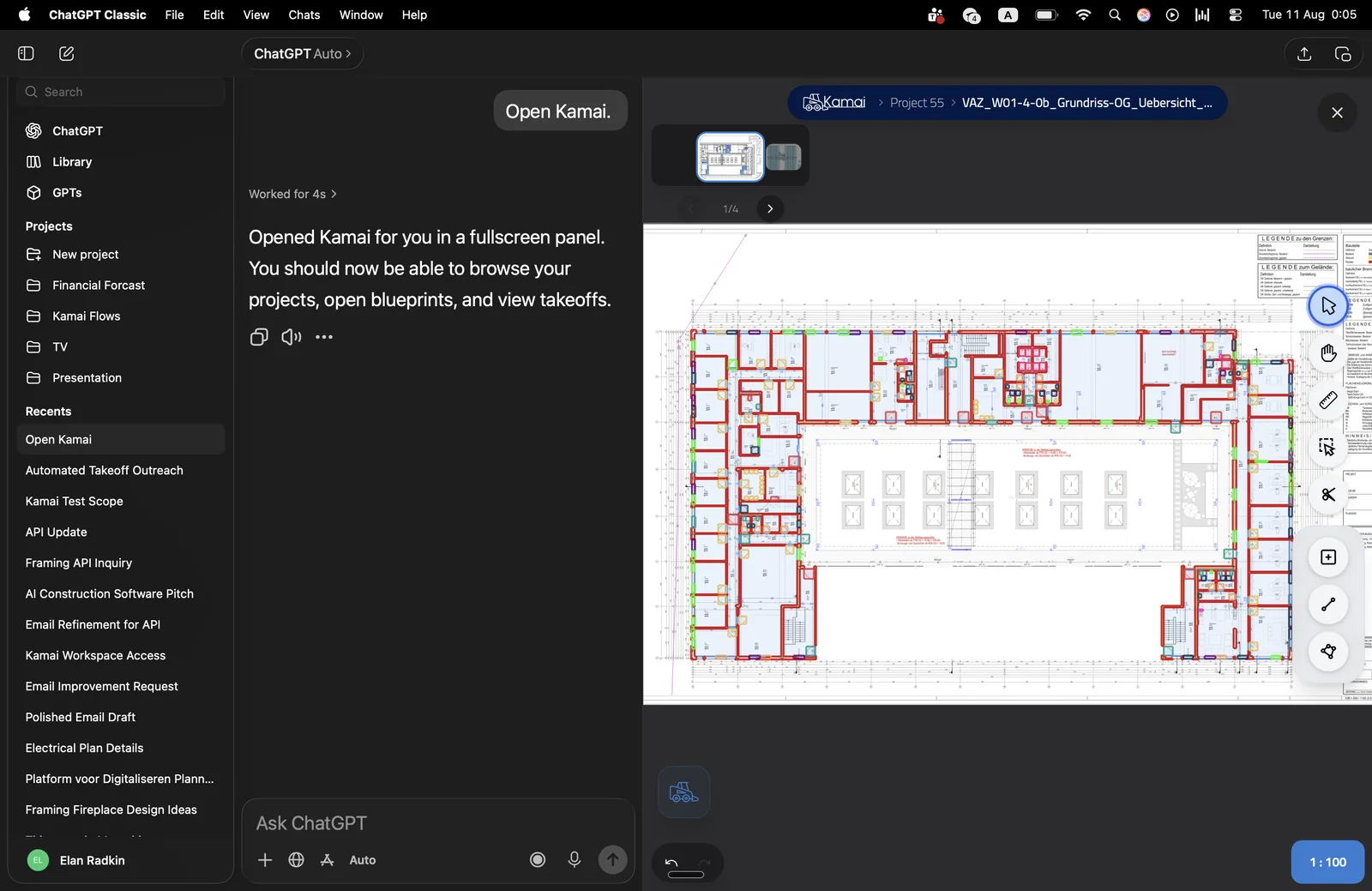
Kamai gives you three ways in: the app for estimators working directly, the API for embedding takeoff in your own software, and MCP for connecting Kamai to your AI tooling. The API is the right door when takeoff needs to be invisible inside a larger workflow.
Send the set, get back quantities as JSON, and pull the same numbers out as Excel or PDF whenever a person needs to review them. The models read the drawings; your system decides what to do with the result.
When it does not make sense
If your bid volume is low and your estimators are comfortable in one tool, the app is enough, and an API adds integration cost you will not recoup. The case for embedding gets strong when takeoff is a recurring step inside software you operate, when manual measuring is throttling how many bids you can run, or when split systems keep letting bad numbers reach the estimate. If one of those describes you, the API is worth the build. If none of them do, stay in the app.
Get the next post in your inbox.
Low frequency. High signal.