What Digital Takeoff Software Actually Automates
Most 'digital takeoff' tools are a digital ruler. You still do the measuring. Here is the difference between a markup tool and software that reads the drawing for you.

"Digital takeoff" is a broad label, and it hides an important distinction. Two tools can both claim it while doing very different amounts of the work. One replaces your scale ruler with an on-screen measuring tool and leaves the actual takeoff to you. The other reads the drawing and produces the quantities itself. Both get called digital. Only one of them is automated.
If you are evaluating takeoff software, that distinction is the thing to pin down first, because it decides how much of the repetitive work is still sitting on your desk after you buy it.
The digital ruler
Most digital markup platforms are, at heart, a better ruler. They let you calibrate a scale, trace areas, drop counts, and annotate the sheet on a screen instead of on paper. That is genuinely better than printouts and a highlighter. Files are easier to share, measurements are cleaner, and nothing gets lost in a stack of markups.
But look at where the labor actually goes. You still zoom in on every sheet. You still count each symbol by hand. You still trace each area, switch to the schedule to confirm it, cross-check the legend, and key the result somewhere. The tool made each of those actions a little faster. It did not remove any of them. On a large set, "a little faster, times a few thousand" is still days of work.
What automated extraction changes
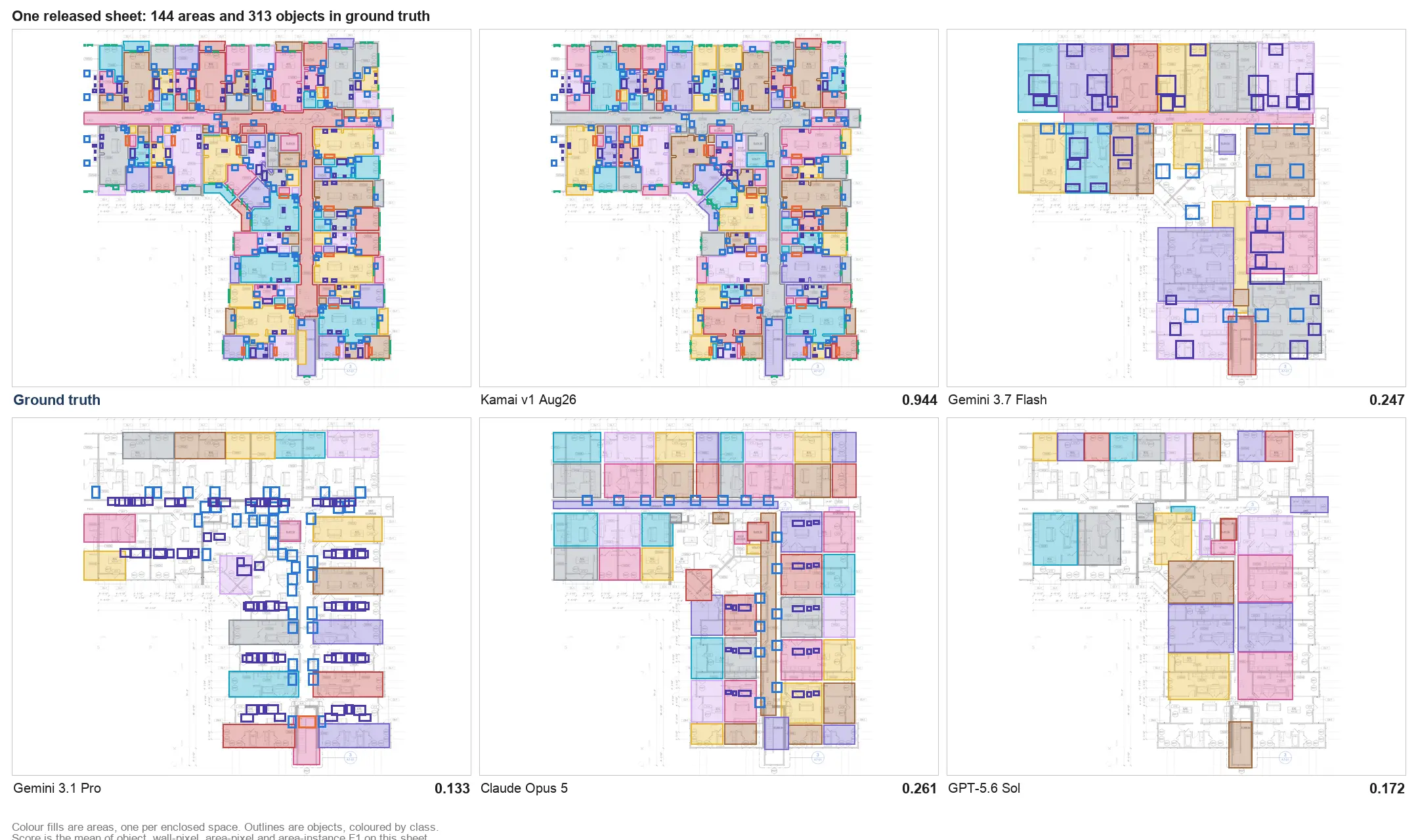
Automating the takeoff means the software does the reading, not just the recording. Instead of handing you a faster way to measure, it identifies the construction elements on the drawing, classifies them, measures them, and returns structured quantities. Your job shifts from producing the numbers to reviewing them.
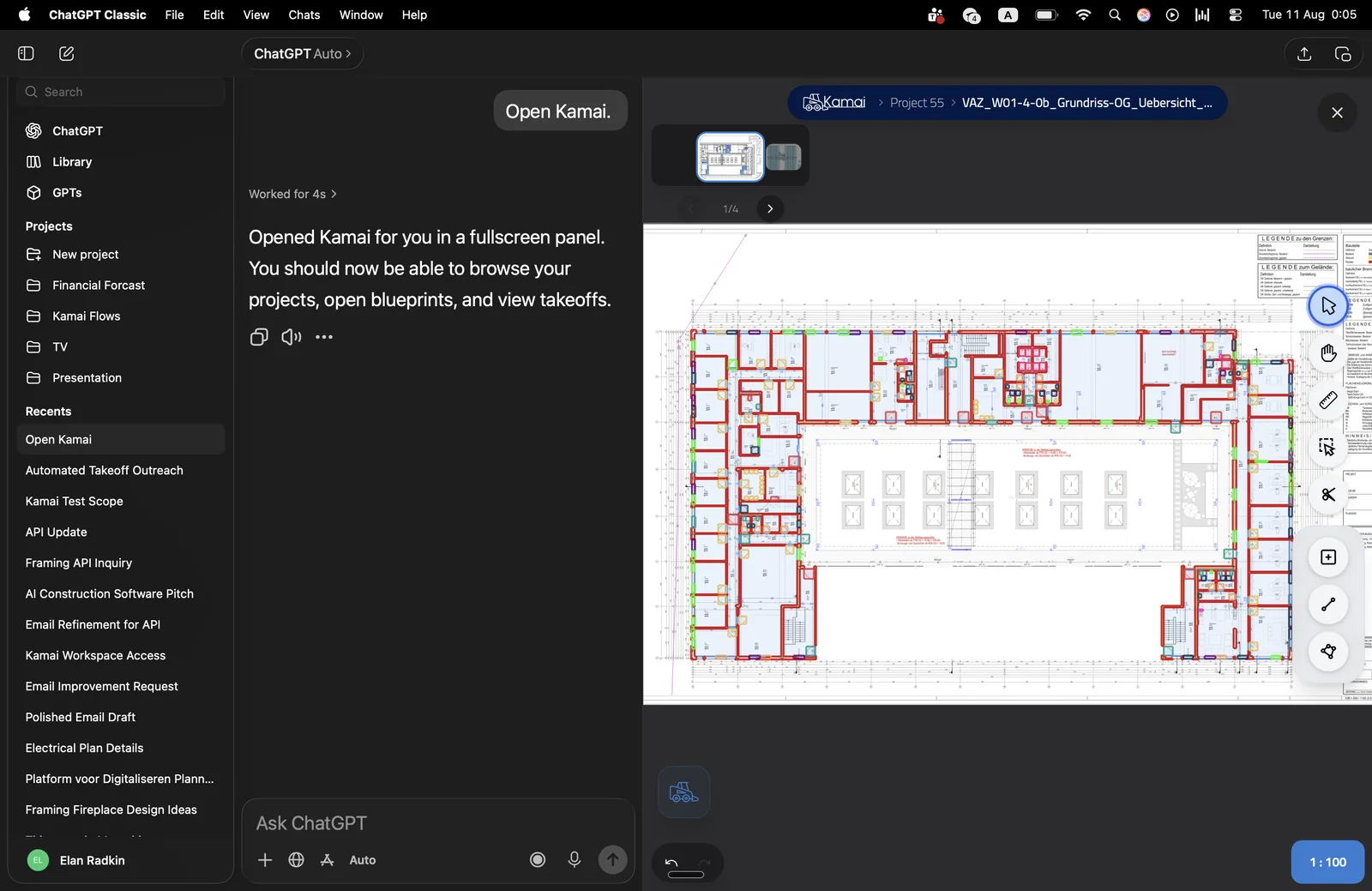
That is the line Kamai is built on. Rather than helping you perform a manual takeoff more efficiently, it automates the takeoff itself. The models walk the drawing set, recognize symbols against the project legend, measure the geometry, and organize everything into structured output that drops into estimating. You spend your time validating results and pricing the job instead of tracing plans.
Why reading the geometry matters
The reason this works comes down to what a PDF actually is. A construction drawing is not a picture. It is a set of measured lines with real scale, layers, and annotations. A lot of takeoff tools throw that away by flattening the sheet into an image and then guessing at dimensions from pixels.
Kamai reads the native vector geometry instead. Lines stay lines, text stays text, and the scale carries through, so measurements come from the drawing's own coordinates rather than from an approximation of them. Every quantity stays tied to the sheet and layer it came from, which means a number you want to check is one click back to its source, not a rebuild from scratch.
Where the error reduction comes from
Manual takeoff invites a specific set of mistakes, and they are not exotic. Skipping a component on a busy sheet. Counting the same condition twice. Reading an old revision. Fat-fingering a value on the way into a spreadsheet. None of them are carelessness. They are what repetitive manual work produces at volume, especially under a deadline.
Automated extraction removes most of the moments where those errors happen:
- No manual counting, so the missed and duplicated symbols mostly go away.
- No re-keying, because structured quantities move into estimating through an export or the API rather than being retyped.
- Traceability, so verifying a number is checking it against the drawing, not trusting a cell.
The point is not that people make bad estimators. It is that a lot of estimating error lives in the mechanical parts of the job, and those are exactly the parts worth handing to software.
Revisions stop being a rebuild
Drawings change. Addenda land, specs update, a sheet gets reissued. With a markup workflow, a small design change often means revisiting several sheets, redoing measurements, and updating the spreadsheet by hand, then hoping nothing was missed in the comparison. Because Kamai keeps structured quantity data connected to its source drawings, updated sheets can be reprocessed rather than remeasured, so a revision touches the affected quantities instead of forcing a fresh takeoff.
What the estimator is actually for
None of this is about removing the estimator. It is about being honest that a chunk of the estimator's day is spent as a measuring-and-transcription service, and that part does not need a person. The judgment does: reading scope, catching what the drawings imply but do not say, weighing risk, setting the pricing strategy. Handing the repetitive reading to software is what frees the experience to go where experience actually pays.
The takeaway
When you shop for digital takeoff software, ask the one question that separates the categories: does it measure the drawing, or does it just help me measure it faster? A digital ruler is a real improvement over paper, but the takeoff is still yours. Automated extraction reads the drawing, returns structured quantities you can trace, and hands them to pricing without a rebuild. Kamai sits on the automated side of that line, which is why the time it gives back is measured in the hours you used to spend counting.
Frequently Asked Questions
What does digital takeoff software actually do?
It depends on the tool. Digital markup platforms give you on-screen measuring and annotation, but you still perform the takeoff by hand. Automated platforms like Kamai read the drawing, identify and measure components, and return structured quantities for you to review.
How is Kamai different from digital markup tools?
Markup tools replace the ruler and leave the measuring to you. Kamai automates the takeoff itself, recognizing construction elements from the drawings, measuring them, and generating structured outputs ready for estimating.
How does automated takeoff reduce estimating errors?
It removes the manual counting and the re-keying where most takeoff mistakes happen, and it keeps every quantity traceable to its source sheet so results can be verified against the drawing instead of rebuilt.
Does automated takeoff handle drawing revisions?
Yes. Because quantities stay linked to their source drawings, updated sheets can be reprocessed instead of remeasured, so a revision updates the affected quantities rather than forcing a full new takeoff.
Does Kamai integrate with estimating software?
Yes. Kamai produces structured quantity data that integrates with estimating platforms, spreadsheets, and APIs without manual re-entry, so your pricing stays in the tools you already use.
Get the next post in your inbox.
Low frequency. High signal.