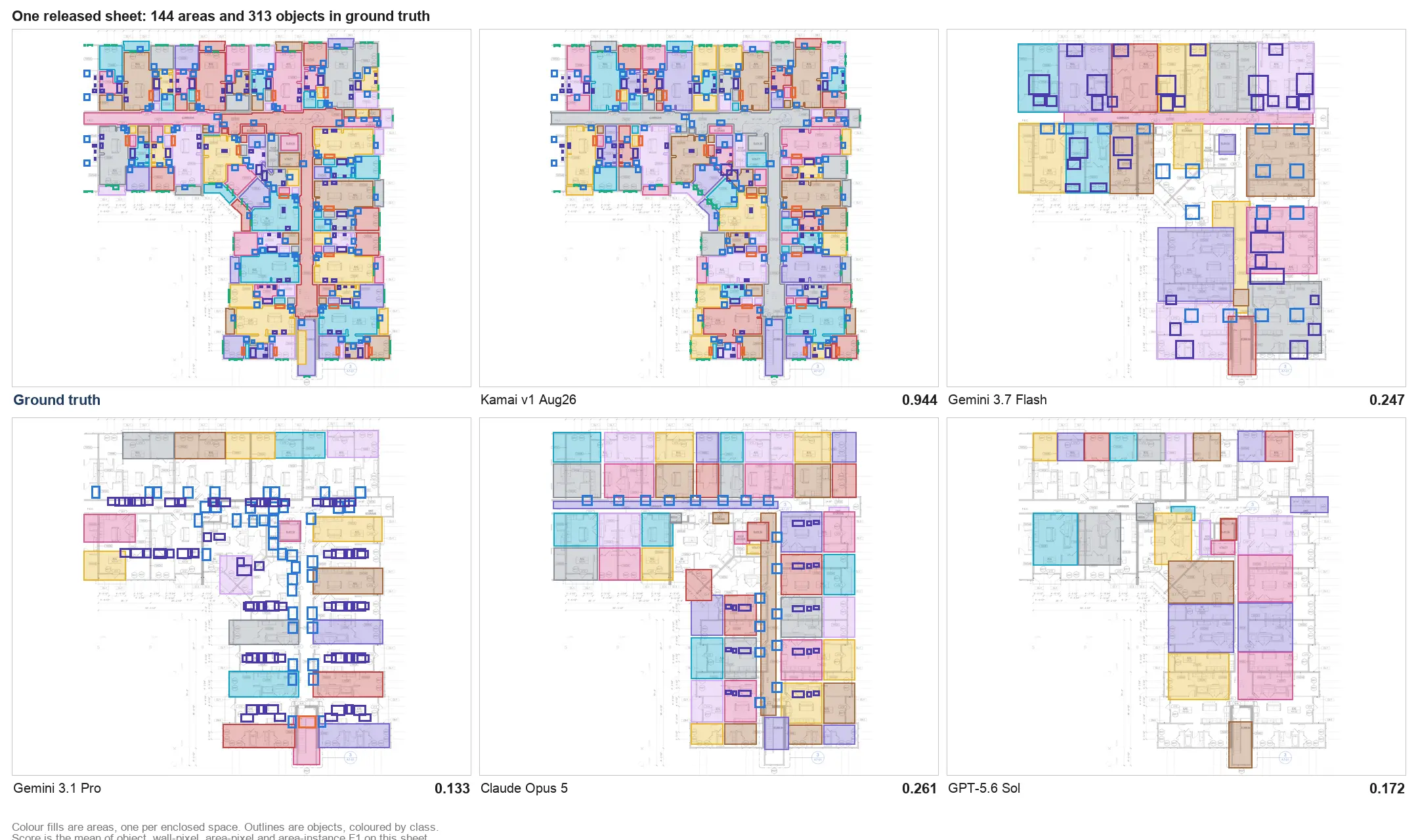
Kamai is now in the ChatGPT plugin directory
Kamai's MCP server is listed in OpenAI's public plugin directory. Install it in ChatGPT to open projects, blueprints, and takeoffs from the conversation.

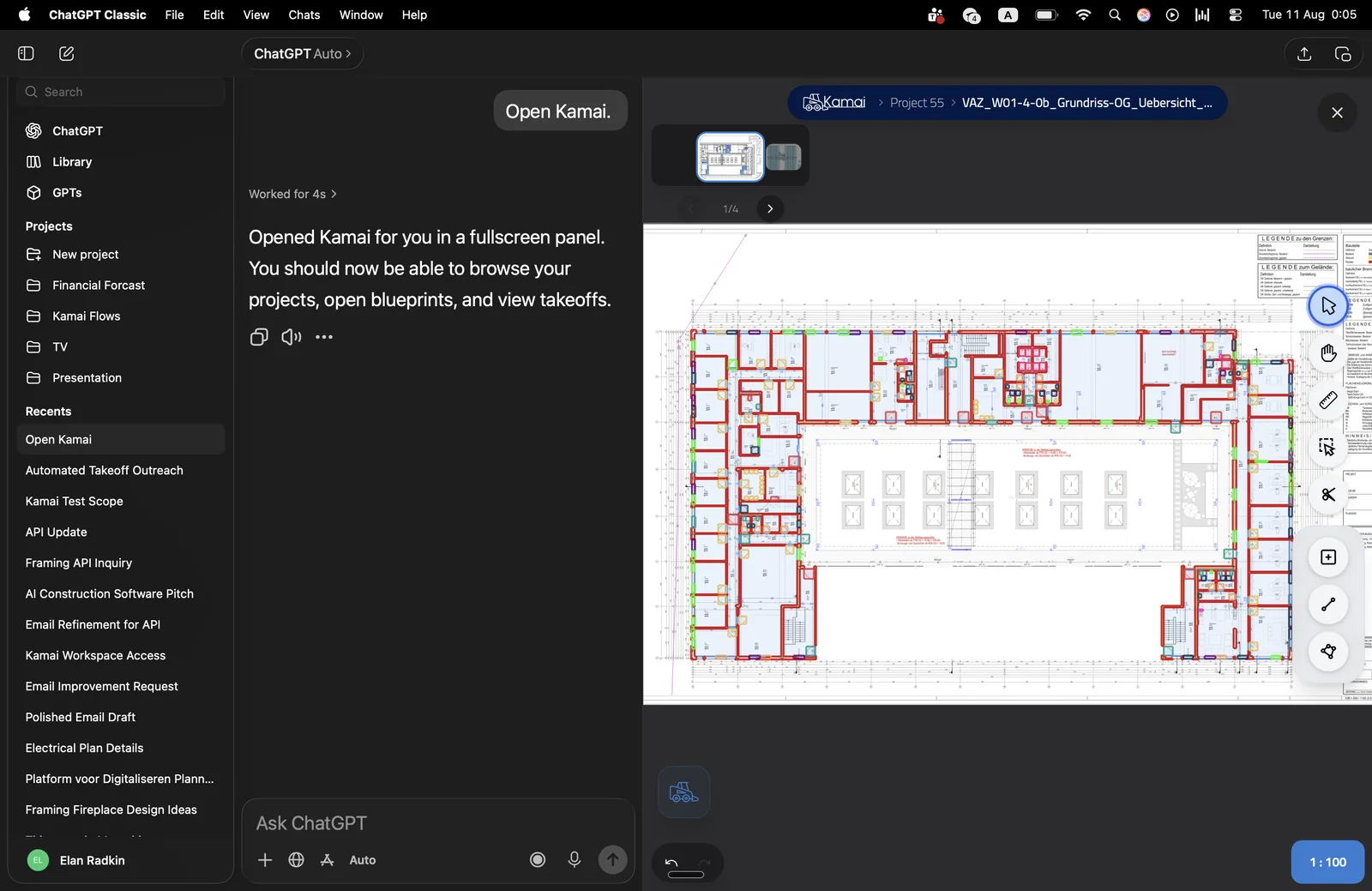
Kamai is now listed in OpenAI's ChatGPT plugin directory. The listing is our live MCP server, published so ChatGPT can discover and install Kamai without a custom connector.
What that means
Connecting Kamai to ChatGPT used to mean Developer mode: paste https://mcp.kamai.io/mcp, accept the custom-connector notice, and finish OAuth by hand. The directory listing is the public install path. Search for Kamai, add the plugin, and sign in with your Kamai account.
The plugin is MCP-backed. ChatGPT calls the same tools as Claude, Cursor, and the other clients on the MCP page: list and create projects, ingest a drawing from a URL, and read structured takeoff data back from the conversation. In ChatGPT that surface also opens as a panel, so you can browse projects, open a blueprint, and look at the takeoff without leaving the chat.
How to install it
- Open the ChatGPT plugin directory and search for Kamai, or go straight to the Kamai listing.
- Install the plugin and complete the Kamai sign-in when prompted.
- Start a new chat and ask ChatGPT to open Kamai, or invoke the plugin from the tools menu.
You need a Kamai account. The OAuth grant is the same access as signing into app.kamai.io. There is no API key to paste.
Install Kamai from the plugin directory, then ask ChatGPT to open a project or run a takeoff on a drawing.
Same server, other clients
The directory listing is for ChatGPT. Claude, Cursor, VS Code, Grok, and the rest still connect to the live endpoint at https://mcp.kamai.io/mcp. Connection recipes for those clients are on the MCP page.
The REST API at api.kamai.io/docs exposes the same primitives if you are wiring takeoff into your own software rather than an agent host.
If you want to see it on one of your sheets first, open the app or talk to sales.
Get the next post in your inbox.
Low frequency. High signal.