How Takeoff API Transforms 2D Plans into Structured Construction Insights
How Kamai's Takeoff API reads 2D plan sets and returns structured quantities, areas, and counts you can export, query, and push into estimating.

A plan set is full of data that no software can use yet. Wall lengths, door counts, fixture symbols, room areas, pipe runs - all of it sits inside lines, hatches, and annotations on a PDF that was drawn for a human to read, not for a machine to parse. An estimator pulls that data out by hand: set the scale, trace the perimeter, count the symbols, tally the totals into a spreadsheet. It works, but it's slow, and it breaks in predictable ways - a sheet measured at the wrong scale, an addendum that never made it into the count, a shared wall double-counted between two zones.
Kamai's Takeoff API exists to do that extraction for you. You send it the drawings, and it returns structured quantities you can export, query, or push straight into your estimating workflow.
Why 2D plans are hard to use
2D drawings still run most projects. Estimators bid from them, PMs build from them, and even on jobs with a BIM model, the issued-for-construction set is what people actually open. That isn't going away, and it shouldn't.
The problem is that the information is locked in the geometry. To get a number out of a drawing, someone has to interpret it - measure the dimension, identify the symbol, apply the scale, and add it up. Do that across a few hundred sheets and the errors stack: a missed run here, a transposed digit there, two estimators counting the same thing in two different ways. On a large set, the manual interpretation is both the slowest step and the one most likely to be wrong.
What the Takeoff API does
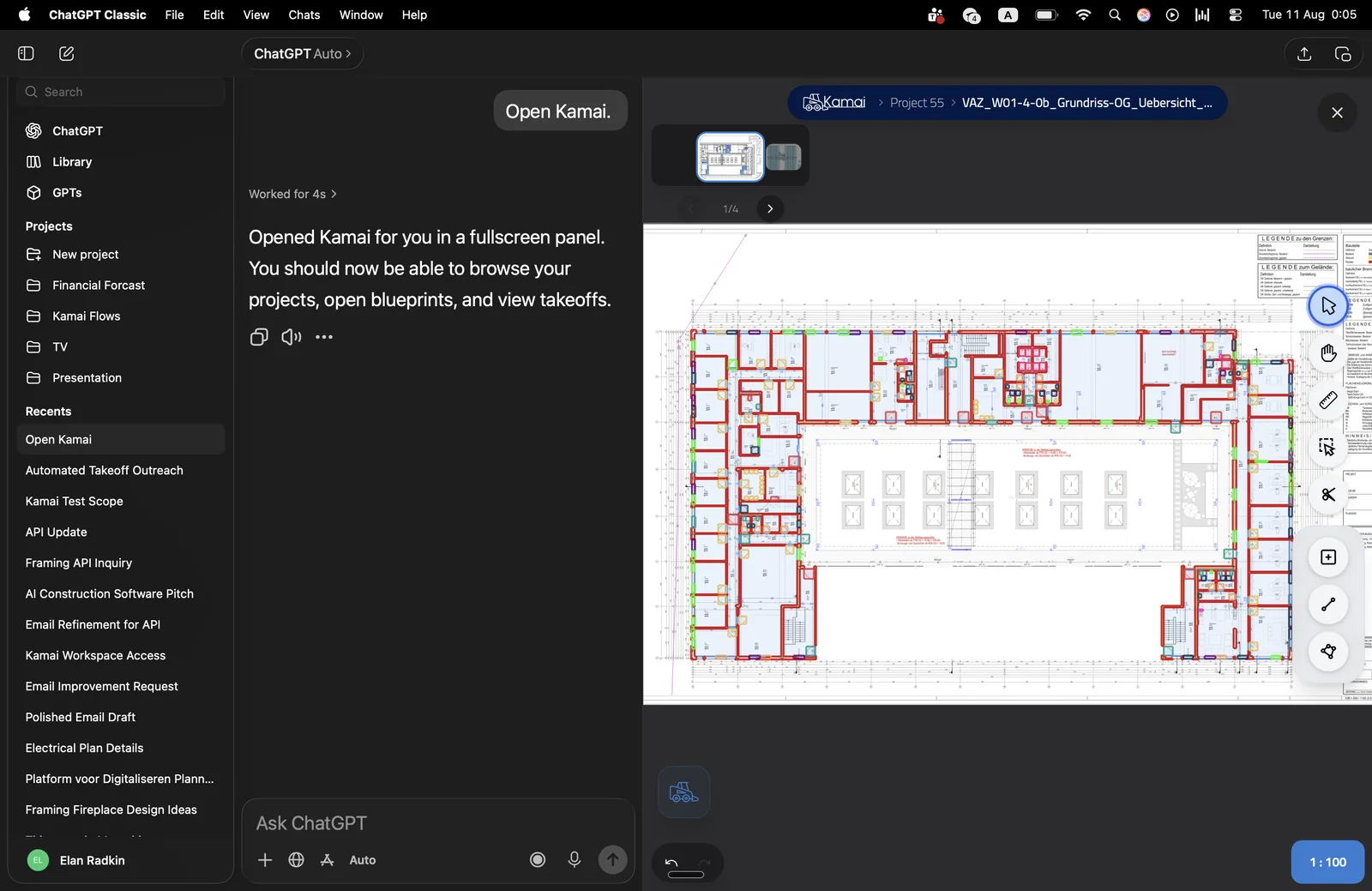
The API takes digital construction drawings and returns measurements and quantities without anyone tracing them by hand. You upload a file or a full set, and you get back structured data:
- Areas and volumes
- Material quantities
- Counts of fixtures and components
- Linear measurements
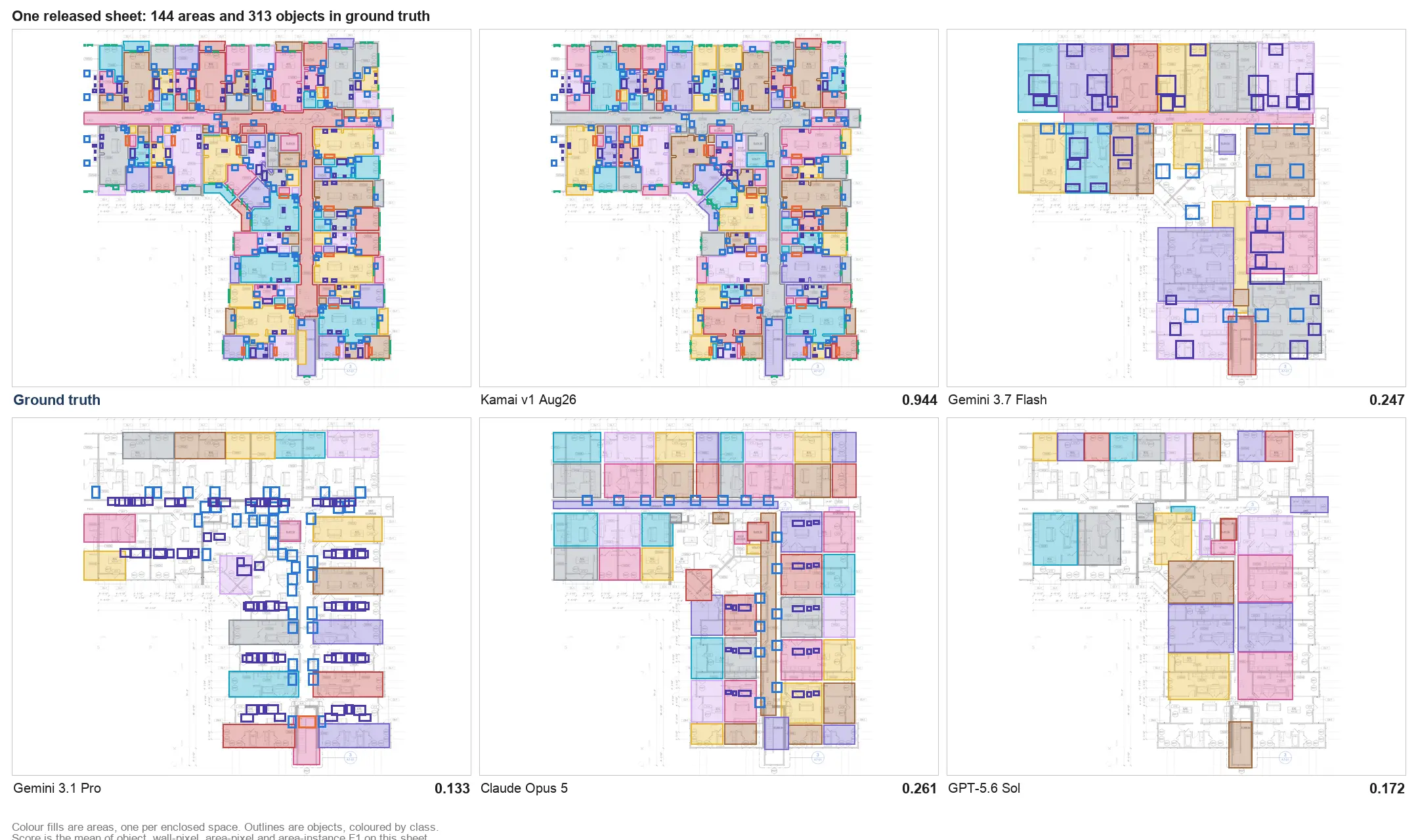
Kamai's models read the drawings with computer vision trained on construction documents. The point isn't optical character recognition on the title block - it's interpreting the linework: telling a wall from a dimension line, a door from a window symbol, one room from the next.
From linework to structured data
When you upload a plan set, Kamai analyzes the sheets and identifies the elements that matter for a takeoff - walls, rooms, openings, and MEP components - and the relationships between them. It reads geometry and pattern, not just text labels.
The output isn't a flat list of numbers. It's a structured representation of the project: rooms categorized, materials quantified by type, layouts interpreted so the data means something downstream. That dataset comes back as structured JSON, ready to export to Excel or PDF, query, or feed into another system. No re-keying.
Multi-sheet sets, not single drawings
A real project is dozens or hundreds of sheets spread across architectural, structural, and MEP disciplines, often stacked level by level. A takeoff that only handles one sheet at a time leaves you stitching the totals together yourself, which is exactly where shared walls get double-counted and Level 2 quantities get attributed to Level 3.
The API is built for full plan sets. It tracks elements across sheets so the quantities stay consistent across disciplines and levels, and gives you one combined view instead of a stack of partial counts you have to reconcile by hand. For a multi-sheet job, that reconciliation is most of the work, and it's the part the system removes.
Asking the data questions
Once a set is processed, the data is queryable. Instead of reopening drawings to confirm a number, you ask the app's AI assistant in plain language:
- What is the total wall area on Level 2?
- How many fixtures are there across all floors?
- Which rooms exceed a given size?
This is the kind of lookup that comes up constantly when you're answering an RFI or checking scope against what was actually drawn. Pulling the answer from the structured data is faster than scanning sheets, and it's traceable back to the elements it came from.
Putting it inside your own workflow
The API is meant to live inside the tools your team already uses. You can embed takeoff into your own platform so the path from upload to estimate stays in one place:
- Upload drawings where you already work
- Generate quantities automatically
- Send the structured data into your estimating system
- Keep one set of numbers across every stage of the project
The value is that everyone is working from the same extracted data instead of three slightly different manual counts. When the takeoff is the single source the estimate is built on, the duplicate work and the disagreements over whose number is right both go away.
Where accuracy actually comes from
A wrong quantity at takeoff doesn't stay small. It rides through the estimate into the bid, and you find out about it during construction, as a change order or a margin you no longer have. The expensive errors are usually the boring ones - a run measured at the wrong scale, an item counted twice, a revision that landed after someone finished their sheet.
Because Kamai applies the same logic to every sheet, the output is consistent and traceable: each quantity ties back to the elements it was derived from, so you can check it rather than take it on faith. Standardizing the count is what protects the estimate that depends on it - more reliable bids, less rework, and margins that survive contact with the field.
Keeping 2D drawings useful
BIM keeps maturing, but 2D sets are still the format that gets issued, marked up, and bid. The job isn't to replace them. It's to make them readable by software so the data inside them can move into the rest of your workflow.
That's what the Takeoff API is for: it turns a static set of drawings into structured quantities you can export, query through the app's assistant, and integrate into your estimating tools. The drawings stay the format your team knows. What changes is that the data inside them stops being trapped on the page.
Get the next post in your inbox.
Low frequency. High signal.