How long does the PDF takeoff API take?
Kamai's PDF takeoff API returns quantities in seconds: about 30 seconds for residential plans and 2-5 minutes for commercial sets.

Send a plan set to Kamai's PDF takeoff API and you get quantities back in seconds. A typical residential plan finishes in about 30 seconds. A larger commercial project, the kind with a couple dozen sheets across architectural, structural, and MEP, usually lands in 2 to 5 minutes. The same work by hand runs anywhere from a few hours to a couple of days.
That gap is the whole point, so it's worth looking at where the time actually goes and what you do with the minutes you get back.
Why a manual takeoff eats your afternoon
Doing a takeoff by hand means opening the set, confirming the scale on every sheet, measuring linear feet and areas, counting fixtures and openings, and then totaling it all without double-counting the walls shared between two rooms. Catch a revised sheet in an addendum partway through and you redo the affected counts.
For a small residential job that's two to four hours. For a commercial set it's a full day or more, and most of that day is measurement and arithmetic, not judgment.
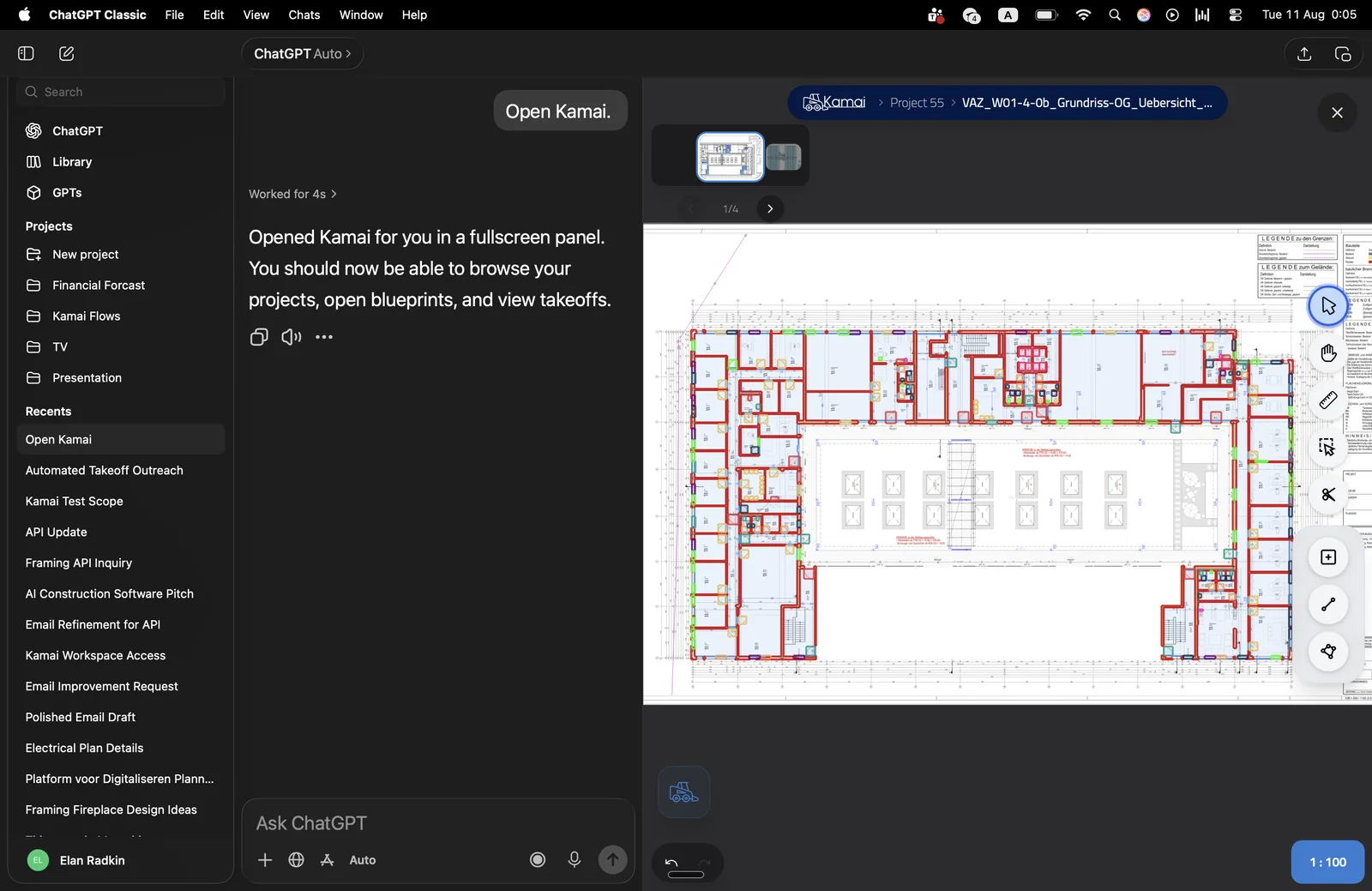
The API replaces that with an upload. Kamai's models read the drawings, pick up the linework, and return the quantities. You skip straight to the part of the job that needs an estimator: checking assumptions, pricing assemblies, and shaping the bid.
What changes the processing time
The numbers above are typical, not fixed. Two things move them.
Project size is the obvious one. A single-story residence has fewer elements and simpler sheets than a four-story mixed-use building, so it clears faster. Multi-sheet commercial sets take longer because there's more on each page and more pages, but even the heavy ones come back in minutes.
Drawing quality is the other. A clean vector PDF straight from CAD reads faster than a plan that's been scanned, photocopied, and scanned again. Heavy scans and dense, marked-up sheets give the models more to work through. Either way you're still measuring the result in minutes, not hours.
What you get back
The API doesn't just hand you a single number. Results come out as structured JSON, so you can pull quantities straight into your own estimating tools, a pricing sheet, or whatever sits downstream. From the app you can export to Excel or PDF when you need something to hand off or file with a bid.
If a count looks off or you want to understand how something was measured, the AI assistant inside the app lets you ask about the takeoff in plain language and adjust without re-running the whole set.
Where the saved minutes go
Speed matters most during bidding, when the clock is the constraint. Getting quantities in seconds instead of hours means you can price a job, react to an addendum, and still get the bid in on time. It also means you can take a swing at jobs you'd otherwise pass on because the takeoff wasn't worth the hours.
The effect reaches past the estimator. Material quantities are ready early enough for procurement to plan against real numbers instead of waiting on a takeoff to close. Project managers and leadership work from the same figures rather than a guess that gets corrected later.
It also changes how much a team can carry. When each takeoff costs minutes instead of an afternoon, the cap on how many bids you can chase stops being the number of hours your estimators have.
So how long does it take?
Seconds for most projects. Around 30 seconds for a residential plan, 2 to 5 minutes for a commercial set, with the exact time depending on how big the set is and how clean the PDFs are. Against the hours or days a manual takeoff costs, that's the difference between bidding a job and skipping it.
Get the next post in your inbox.
Low frequency. High signal.