How Construction PDF Takeoff API Works
How Kamai's PDF takeoff API turns blueprint sheets into quantities and structured data your estimating tools can read.

A bid set lands in your inbox as a 200-page PDF: architectural, structural, MEP, civil, a few addenda stapled on at the end. Before you can price anything, someone has to open every sheet, set the scale, trace walls, count fixtures, and key the totals into a spreadsheet. That work is where days disappear and where a wrong scale or a missed revision quietly poisons the whole estimate.
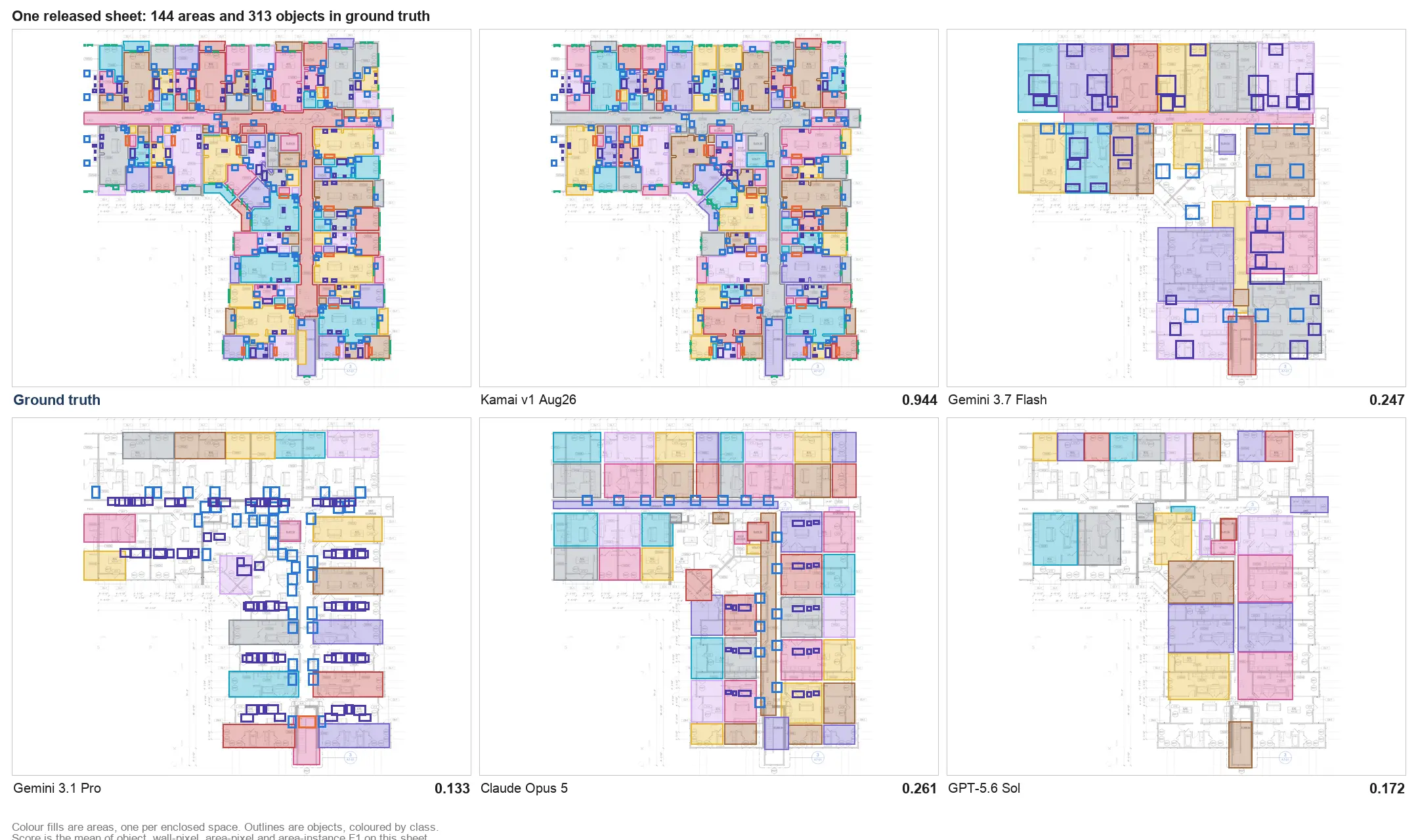
A PDF takeoff API moves that work off the estimator's desk. You send it the plan set over HTTP, and it returns measured quantities and structured data instead of a stack of sheets to interpret by hand. Kamai's models read the drawings the way an estimator does - finding geometry, symbols, and dimensions - and hand back areas, lengths, counts, and volumes you can drop straight into your tools.
Why estimators reach for a takeoff API
A single project carries architectural drawings, structural layouts, MEP plans, sections, details, and the revisions that arrive mid-bid. The numbers you need to price the job are buried in all of it, and the PDF doesn't surrender them on its own. You read the symbols, resolve the dimensions, and do the arithmetic yourself.
That manual pass is where most takeoff errors start. A demanding deadline is exactly when an estimator double-counts a shared wall between two units, misses a fixture schedule revised in Addendum 3, or sets the scale wrong on one sheet and carries the error through every measurement on it. On a large project, any one of those turns into a budget overrun or a bid you regret winning.
The API closes that gap by pulling quantities directly from the sheets. Instead of an afternoon spent tracing walls and counting fixtures, you send the set and get organized quantity data back in seconds.
Sending drawings to the API
You start by handing the API your plan set: PDF drawings, scanned sheets, or vector documents. Kamai accepts all three, so an old as-built scanned from a binder works alongside a clean vector export from the architect.
From there the request is processed without manual setup. Kamai's models read geometry, symbols, room layouts, and the building elements across the set - walls, floor areas, windows, doors, fixtures, piping runs, duct systems, and the rest of what an estimator would tag by hand. The difference is that one sheet and forty sheets take roughly the same effort from you.
Measurement and quantity extraction
The point of the API is to delete the repetitive part of a takeoff: the tracing, the room-by-room clicking, the manual fixture counts, the retyping of every total into a spreadsheet.
Kamai's models return the quantities an estimator pulls off a set - floor areas, wall lengths, paint surfaces, concrete volumes, piping routes, fixture counts, room dimensions - already organized rather than scattered across dozens of sheets. Because the API reads the whole set at once, it holds continuity between floors and disciplines, which is what keeps a shared corridor wall from being counted twice or a stairwell from being dropped between levels.
Turning sheets into structured data
Measuring is only half of it. A takeoff is worth more when it comes back as data your other systems can read, not as a number you copy by hand into the next tool.
Kamai returns extracted quantities as structured JSON. That output flows into estimating software, procurement systems, project management platforms, or your ERP without a manual re-entry step in between. Quantities come grouped so you can route them where they belong:
- Floor or building level
- Trade discipline
- Material category
- Room or zone
- Project phase
So instead of reconciling a pile of disconnected spreadsheets and margin notes, your preconstruction team works from one searchable set of numbers.
Working the data after extraction
Quantities are the starting point, not the finish. Once a set is processed, you can review totals, compare design options, and validate an estimate against the structured output. The app's AI assistant lets you query the extracted data directly - ask what changed, check a count, or pull a quantity by zone without reopening the sheets.
That matters most when drawings change, which on any live bid they will. A revised set goes back through the API and the affected quantities update, so a Bulletin or a late addendum doesn't mean restarting the takeoff from a blank sheet.
Why 2D PDFs still run the job
BIM and digital twins get the attention, but most jobs still run on 2D documentation. Plenty of projects circulate as PDF drawings long before a complete model exists, existing buildings often have no model at all, and PDFs remain the document of record for tender review, legal validation, and independent quantity verification.
So the 2D takeoff isn't going anywhere. Kamai pulls structured data out of static PDF sheets, which lets a contractor modernize estimating without first committing to full BIM adoption.
Faster estimates without dropping accuracy
Estimating teams are asked to turn bids around faster while protecting margin, and manual takeoffs pull against both. Hours go into measuring, moving data between tools, and re-checking arithmetic, and the error rate climbs as the set gets larger.
By handling the measuring and the quantity extraction through the API, Kamai gives that time back to the estimator for pricing strategy, scope review, and the judgment calls software can't make. The practical payoff is concrete: tighter bids, faster turnaround, and the ability to chase more work without adding headcount to the estimating department.
Putting the API to work
A takeoff API earns its place when it removes the part of the job that was never really estimating - the tracing and the retyping - and leaves your team with clean quantities and the time to price them. Kamai's models do the extraction; your estimators keep the judgment.
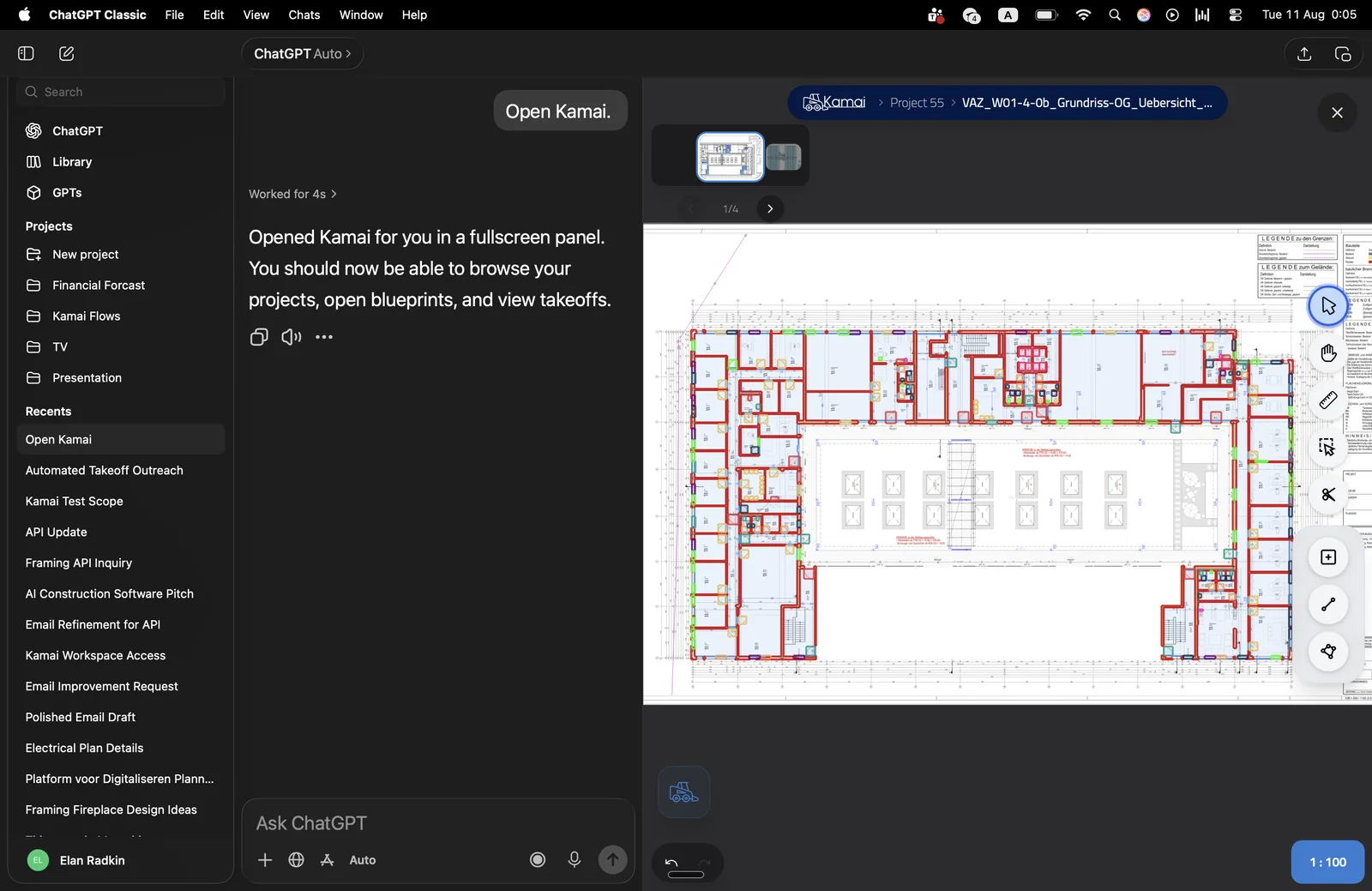
If your team prices work off PDF plan sets, that is the workflow the API is built for. Sign in at app.kamai.io to run a set through it, or reach for the API directly when you want the structured output wired into the tools you already use.
Get the next post in your inbox.
Low frequency. High signal.