Essential Features to Look For In Construction Takeoff API
What actually matters in a construction takeoff API: format support, AI quantity extraction, structured output, and integrations.

Most takeoff APIs read well on a feature page and fall apart on a real drawing set. You hand them a 90-sheet commercial plan with a few scanned addenda mixed in, and suddenly the demo polish doesn't matter. What matters is whether the API can pull correct quantities off architectural, structural, and MEP sheets, hand them back in a form your estimating software can use, and do it before the bid closes.
If you are evaluating a takeoff API to plug into your own workflow or product, here is what to actually test for, and how Kamai handles each one.
Multi-format blueprint support
A single project almost never arrives as one clean file type. You get vector PDFs from the architect, raster scans of older sheets, image files of marked-up addenda, and the occasional half-digitized CAD export. An API that only handles tidy vector PDFs will stall the first time a subcontractor sends a photographed plan.
Kamai accepts the range of drawing formats estimators deal with in practice, so you can upload the set as-is instead of converting and cleaning files first. That flexibility holds across residential, commercial, industrial, and infrastructure work, where the file mix changes from job to job.
AI quantity extraction
This is the part you are paying for. Traditional estimating software still leans on manual input: tracing walls, counting fixtures, measuring rooms, then keying the totals into a spreadsheet. It is slow, repetitive, and easy to get wrong, especially late at night against a deadline.
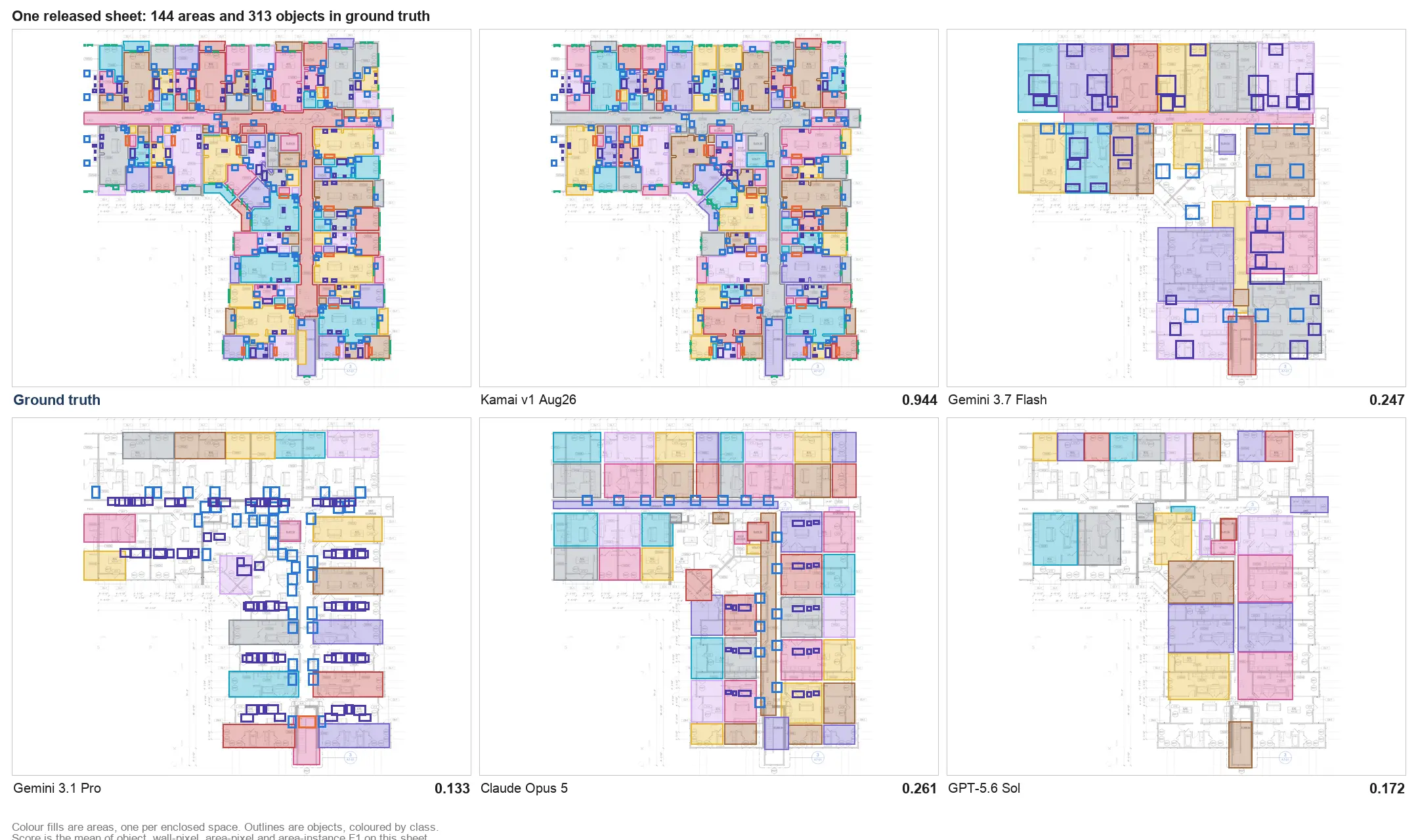
Kamai uses computer vision and trained models to read the drawings directly. It recognizes architectural elements, reads symbols, finds room boundaries, and returns:
- Areas
- Lengths
- Volumes
- Material quantities
- Fixture counts
- Room dimensions
- Surface measurements
The point isn't only speed. When the extraction is consistent, you stop second-guessing whether a shared wall got counted twice or a room got skipped, and you spend the saved time on pricing and bid strategy instead of on the ruler.
Accurate area, length, and volume calculations
Takeoff accuracy is where money is won or lost. A wrong scale setting or a flooring area that's off by a few hundred square feet flows straight into the bid: underbid the job and you eat the gap, overbid it and you lose the work. Multiply a small error across a large project and the number gets ugly fast.
Kamai detects geometry and construction elements off the uploaded sheets and generates quantities that need little manual correction. Whether the trade is flooring, drywall, concrete, paint, piping, or structural steel, the goal is dependable numbers you can stand behind when the bid goes out.
Structured data output
Raw measurements scattered across a PDF are not a takeoff. The value shows up when the quantities come back organized, because that is what lets you hand clean numbers to procurement, project management, and the field without retyping anything.
Kamai returns extracted quantities as structured data, grouped by categories such as:
- Floor levels
- Trade disciplines
- Material types
- Rooms and zones
- Project sections
Structured JSON instead of a flat dump means you can compare estimates, roll up totals by level or trade, and push the data into other systems. It also closes the gap between estimating and everyone downstream who otherwise rebuilds the same numbers by hand.
Processing speed that fits a bid window
Bids close on a clock. An API that needs an afternoon to chew through a drawing set is useless when an addendum lands the morning the bid is due. Upload a set to Kamai and quantities come back in seconds to minutes, depending on how large and complex the plans are.
Fast turnaround changes what a team can take on: more bids in the pipeline, quicker re-runs when a revision drops, and room to absorb late changes instead of triaging which ones you have time to account for.
Integration with your existing stack
A construction company already runs estimating, scheduling, procurement, accounting, and project management software. A takeoff API that lives off to the side, where someone copies numbers out of it by hand, just adds a step.
Kamai's API is built to feed those systems directly. Extracted quantities and structured data move into your existing estimating and construction applications without a second round of data entry, which keeps preconstruction, operations, and the field working off the same numbers.
Cloud access and collaboration
Estimators, PMs, subs, and field crews rarely sit in one office. Plans change, addenda arrive, and the people who need the updated quantities are spread across job sites. A cloud-based takeoff API lets the whole team reach the same plans and quantities from wherever they are, with revisions handled in one place rather than emailed around as conflicting copies. On a large job with frequent design changes and a lot of stakeholders, that shared source of truth is the difference between coordinated and chaotic.
Where Kamai fits
Kamai pulls AI extraction, structured output, and fast analysis into one takeoff workflow. The shape of it is simple:
Skip the measuring - Kamai reads dimensions and quantities off the blueprints instead of having you trace them by hand.
Analyze on upload - drop in the drawings and get materials, areas, volumes, and quantities back right away.
Decide with the data - use the structured output to plan and bid with numbers you trust, not a spreadsheet you are still reconciling.
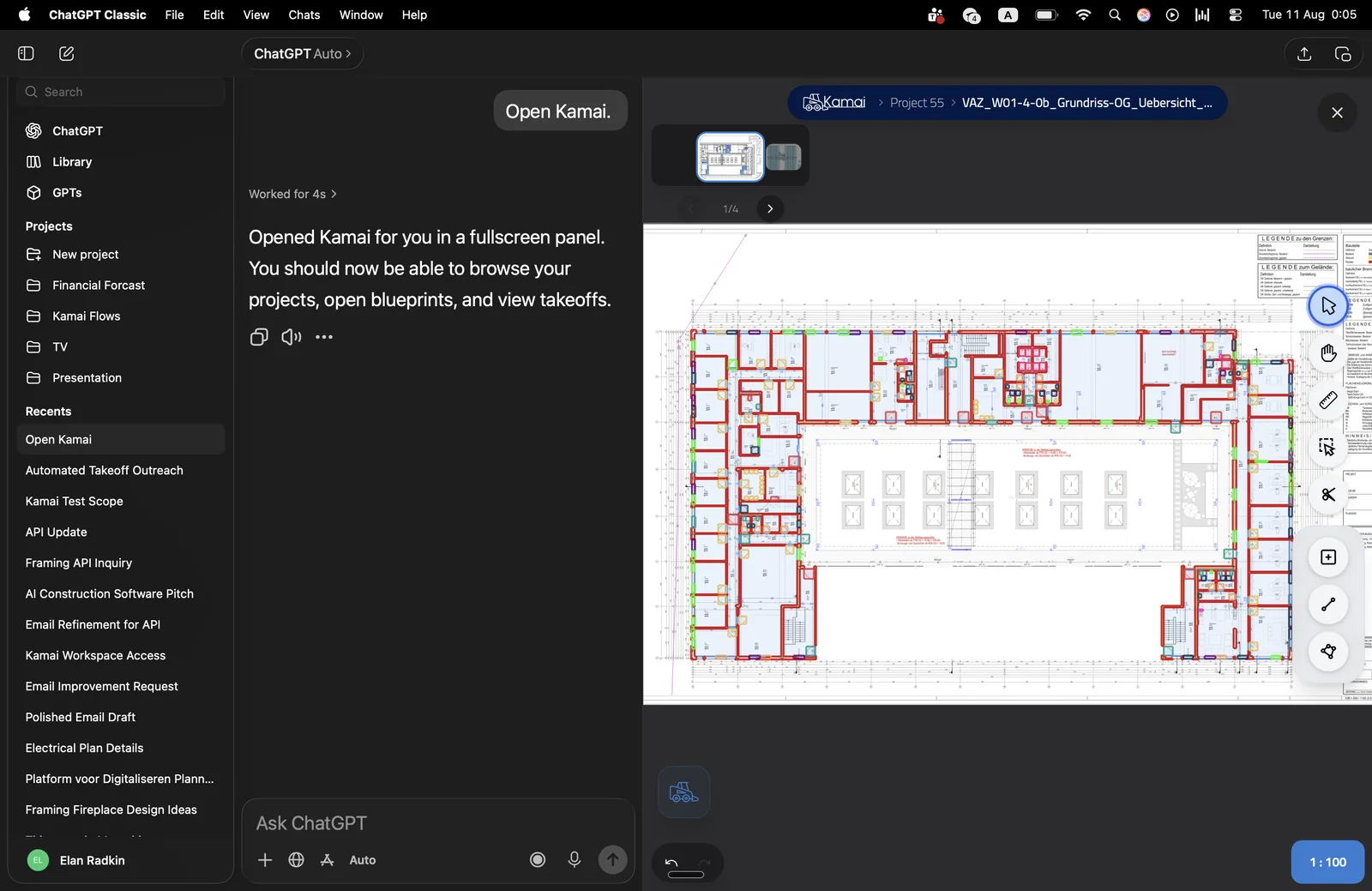
Beyond the API, the same models back the Kamai app, where the built-in AI assistant lets you ask about a plan and adjust quantities in context. Whichever way you consume it, the work of turning a PDF into usable quantities is the models' job, not yours.
What to weigh before you commit
The construction side of the industry is moving toward automated, data-driven estimating, and a takeoff API is the piece that turns drawings into the numbers everything downstream depends on. When you evaluate one, run your own messy plan set through it, not the vendor's clean sample: check format coverage, extraction accuracy on MEP and structural sheets, how the output is structured, and how cleanly it lands in the software you already use. Those are the features that hold up once the demo is over and a real bid is on the line.
Get the next post in your inbox.
Low frequency. High signal.